Booking.com Connectivity Details
Prices
We recommend using OBP (occupancy-based pricing). If your operation still uses the standard pricing model, please contact support@roommaster.com - We can change this setting for you and then update all prices.

The prices per occupancy variant from minimum to maximum occupancy are transferred according to the settings in Booking.com. In the mapping tool, the minimum and maximum occupancy of the Booking.com rooms are displayed:
RLO Model Active - room-level-occupancy
In Booking.com a standard occupancy, as well as rules for the prices of other possible occupancies, can be configured. The price for the standard occupancy is transferred according to the settings in Booking.com. In the mapping tool, the standard and maximum occupancy of the Booking.com rooms are displayed:
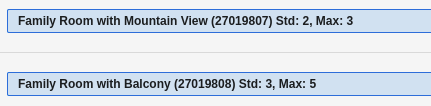
Standard Model Active - Standard Occupancy
The price for the maximum occupancy according to the setting at Booking.com is transferred. In the mapping tool, only the maximum occupancy of the Booking.com rooms is displayed:
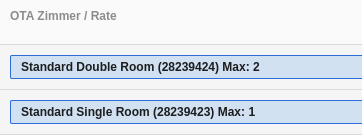
If the rate at booking.com for the “single use” is configured, the price for 1 person is also transferred
Booking.com takes over
- Prices
- Availability
- Minimum stay
- Maximum stay
- Blocked arrival days
- Blocked departure days
Booking.com does NOT cover
- Prices for children
- Booking conditions such as cancellation policies and booking guarantee
Please note that Booking has set Rate Loading Instructions (RLI) for each hotel. This ensures that availability is set at the room category level and NOT at the price level. Under no circumstances should you change the RLI in the settings of booking.com!
Reservations
Booking.com reservations made before the connection with Channel Manager are not visible in the Hotel Manager. If the reservations are cancelled, they are taken over by Channel Manager, but the booked rooms and rates are unknown. Therefore you must cancel the reservation manually in the hotel program and also manually correct the availability. These reservations can be identified by the codes Unknown to recognize.
No-Shows can be reported directly in the Booking.com Extranet or 1 to 2 days after arrival in the Hotel Manager via the reservation and the no-show button.
Unmapped Rates
It is possible for a Booking.com reservation to obtain a rate that is NOT connected to Channel Manager, e.g., a Booking.com internal derivation (Standard Rate - 20% (Basic deal) non XML). In such a case, although the mapped Standard Rate is indicated, the price as well as the restrictions are changed by Booking.com internal derivation or manually adjusted in the Booking.com extranet.
If you have questions about reservations with these internal derivations, please contact the Booking.com Support.
Warnings
Booking.com checks each update and reports potential issues with the respective configuration in some cases. These can, for example, arise when settings are allowed in the Channel Manager system but not in Booking.com.
Hotel Manager Channel Feedback
In the Hotel Manager, you can view Booking.com feedback under Self Service > Booking.com > Mapping History. Under "Show messages" they are displayed in detail.
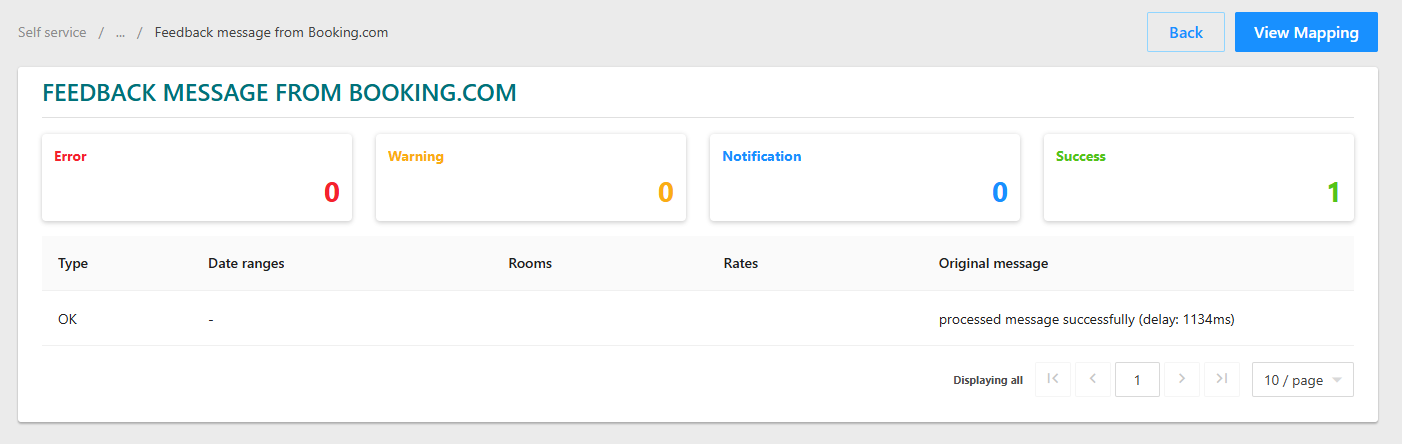

In the above example, it reports PRICE_EXCEEDS_MAX_SYSTEM_RATE back. This can happen because higher values are allowed in the Channel Manager system, for example at Booking.com.
Booking.com Extranet
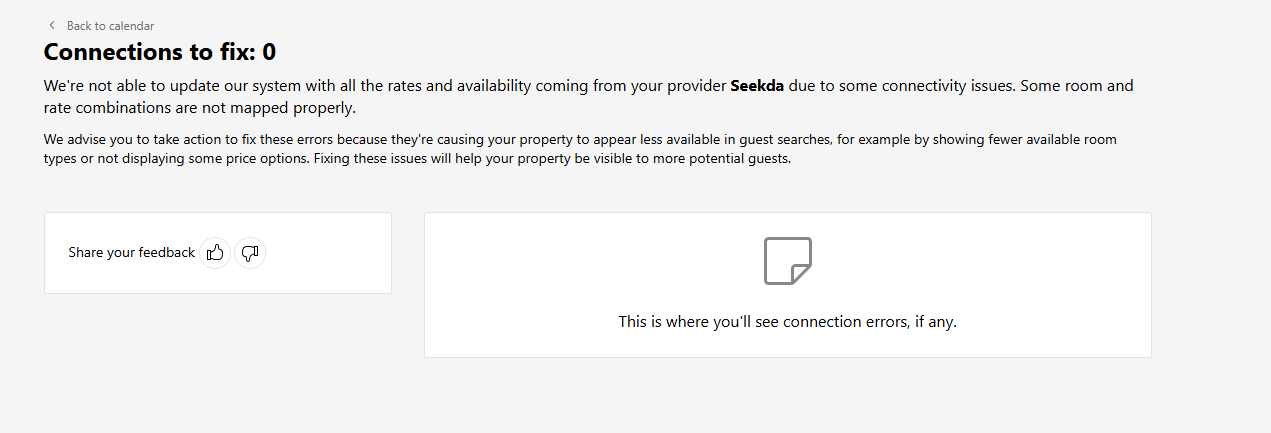
In the Booking.com Extranet, additional messages may sometimes appear. You can view them under Rates & Availability > Connection errors:
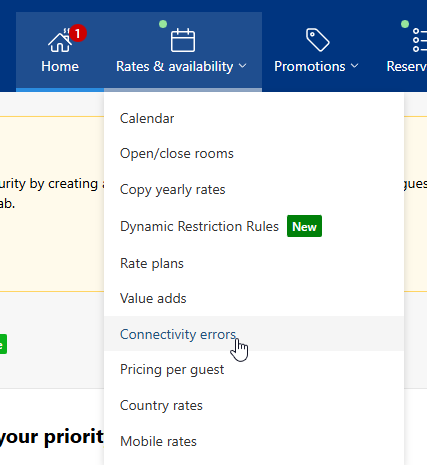
Usually none are displayed.